AI Real Estate Photo Editing for Listings
AI real estate photo editing and enhancement in one place: fix sky, exposure, lawns, pools, and floors in a listing photo in minutes, so it's MLS-ready before your next showing.
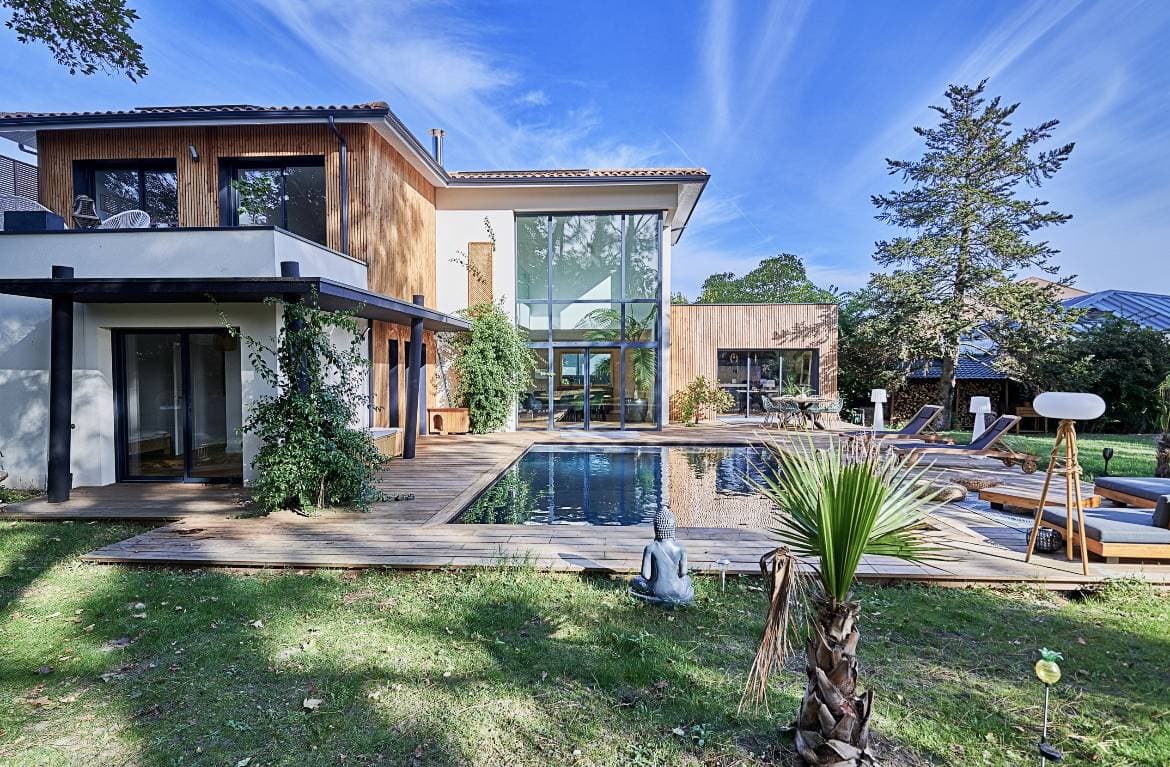
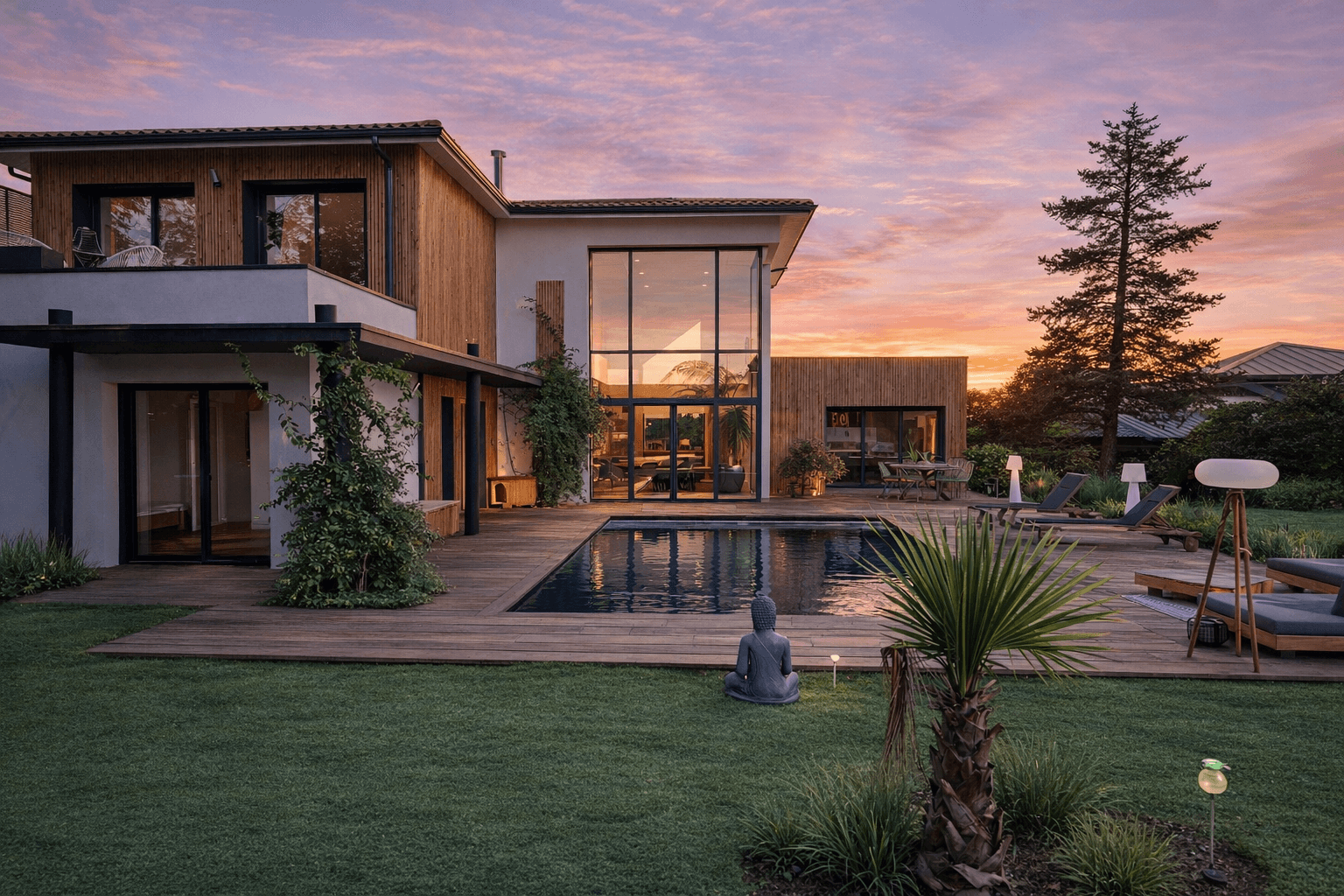
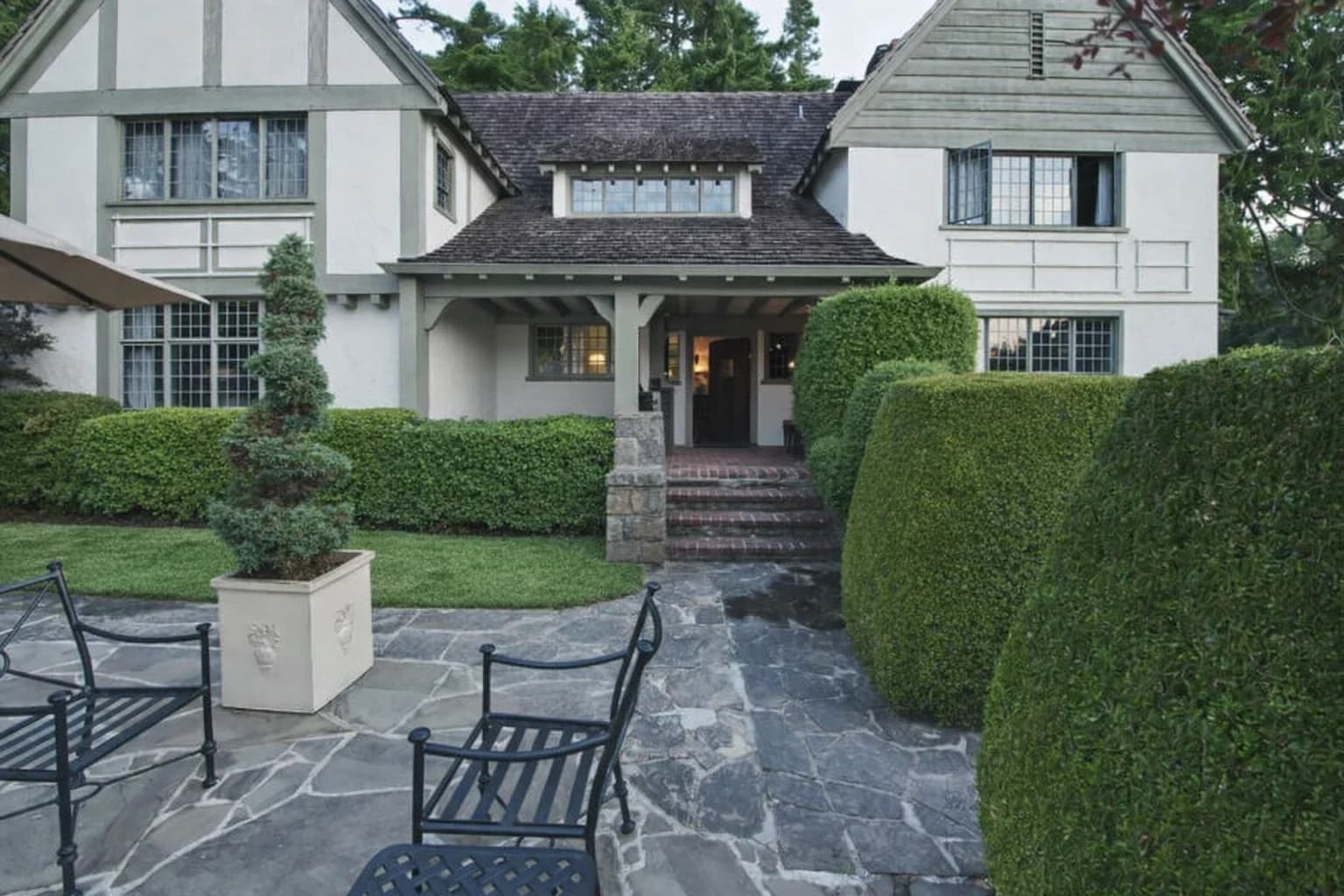
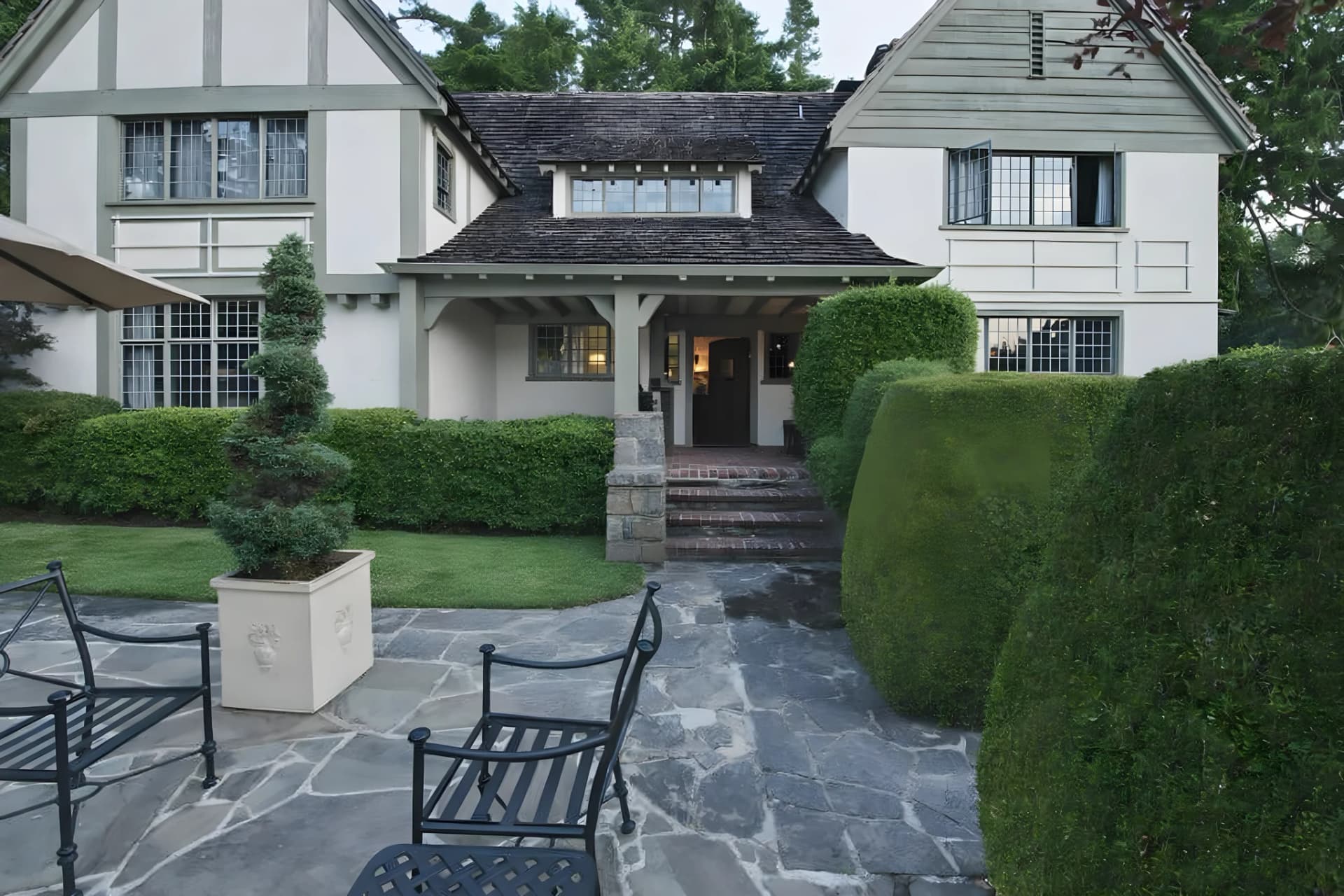
Sky replacement swaps a flat or overcast sky for a clear one, without touching the roofline, gutters, or wires in the frame.
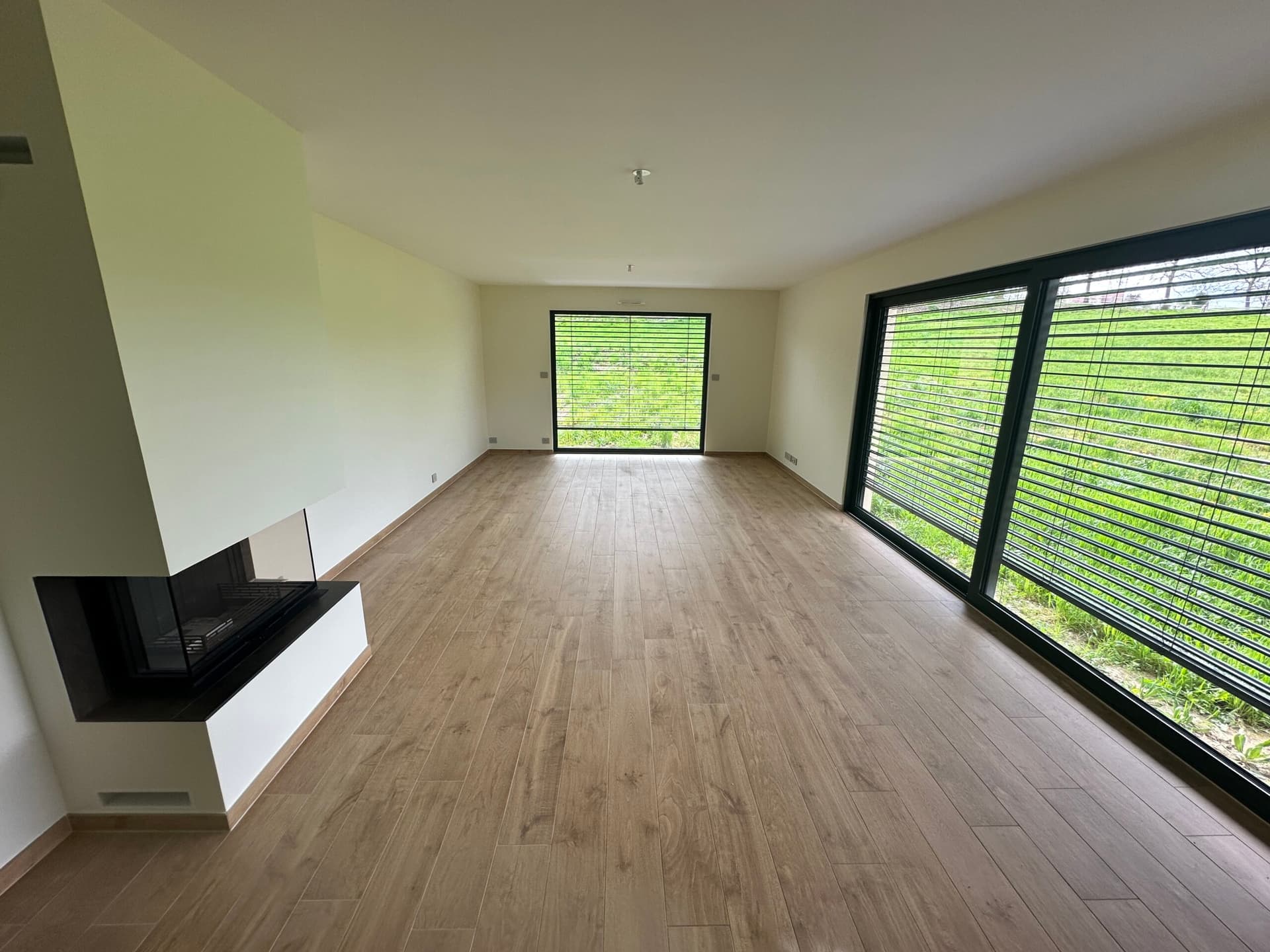
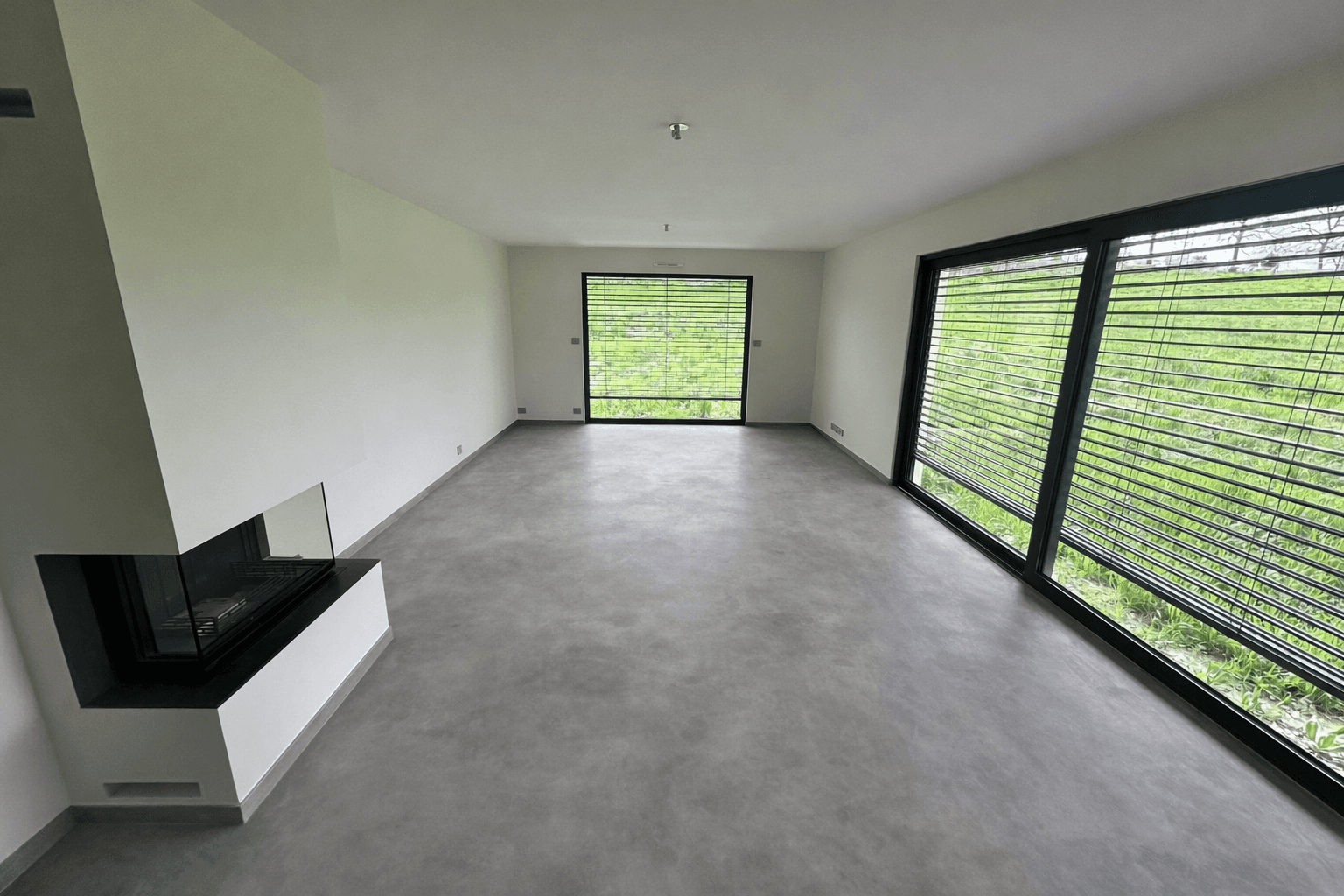
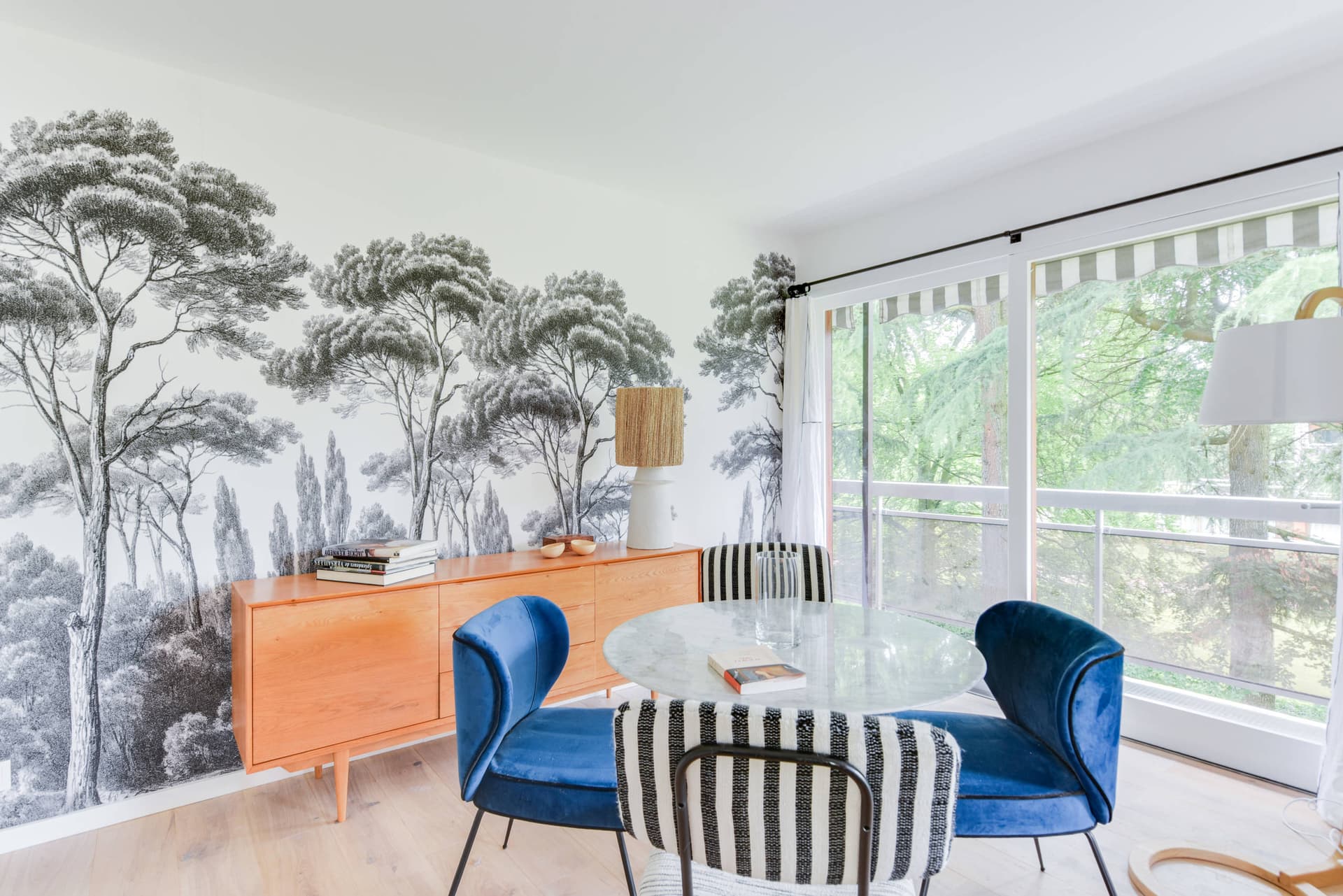
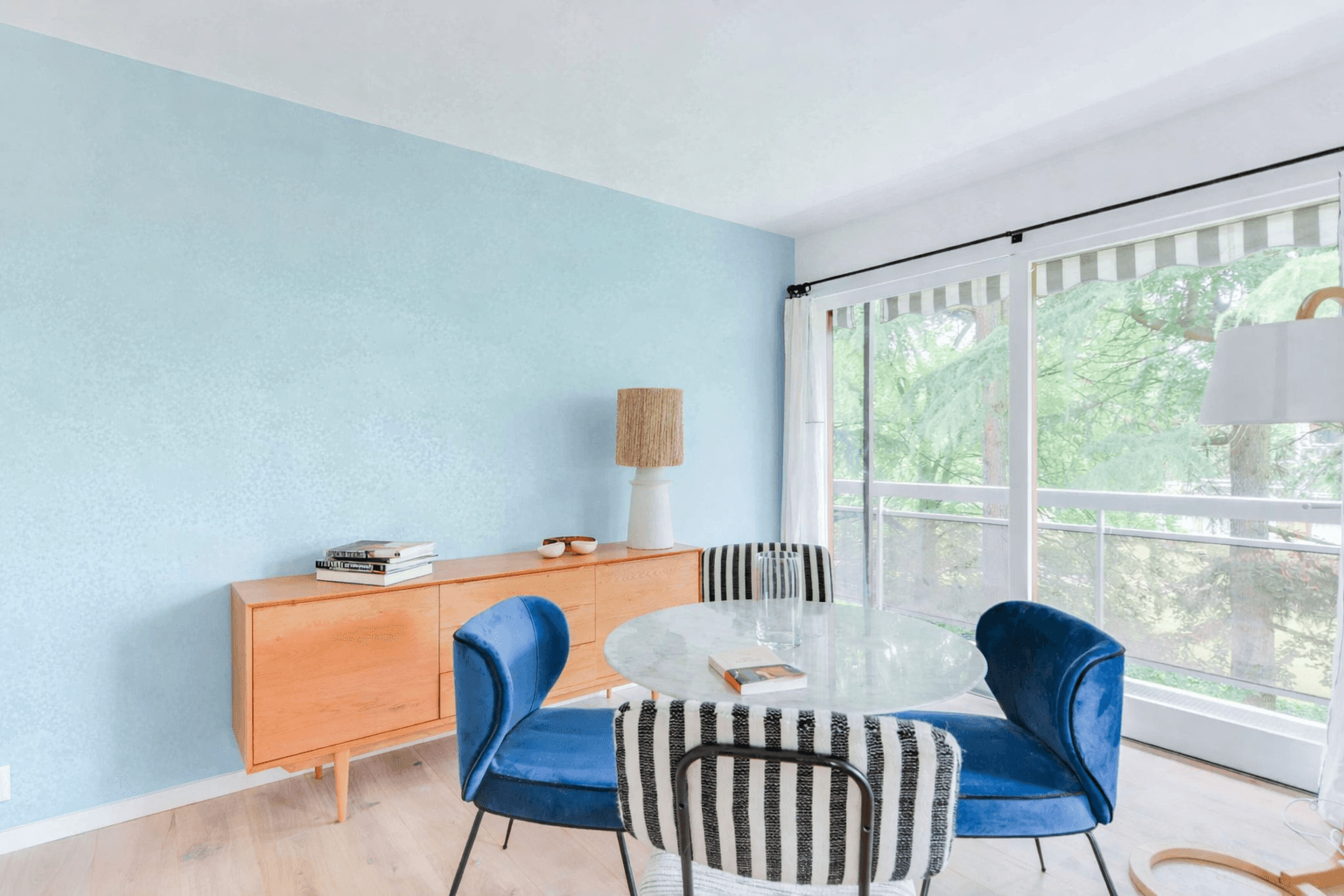
Floor replacement swaps out worn or dated flooring in the photo itself, useful when a listing goes live before renovation work is finished.
The edits that actually move a listing
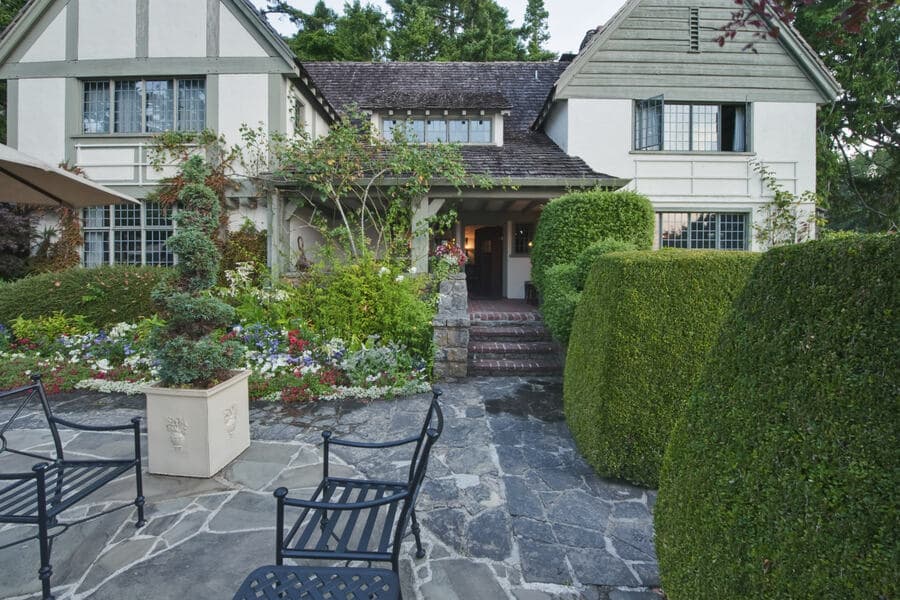
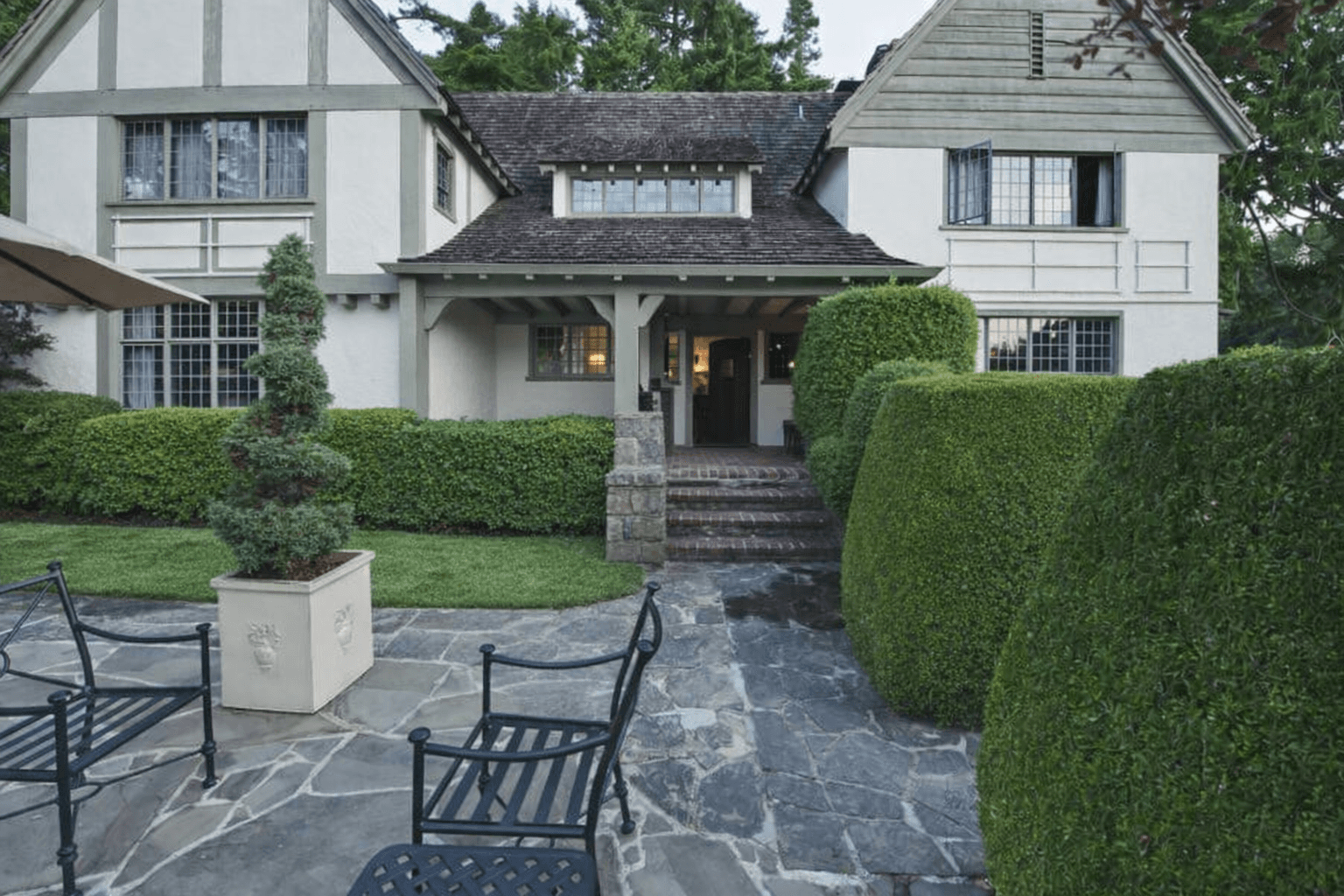
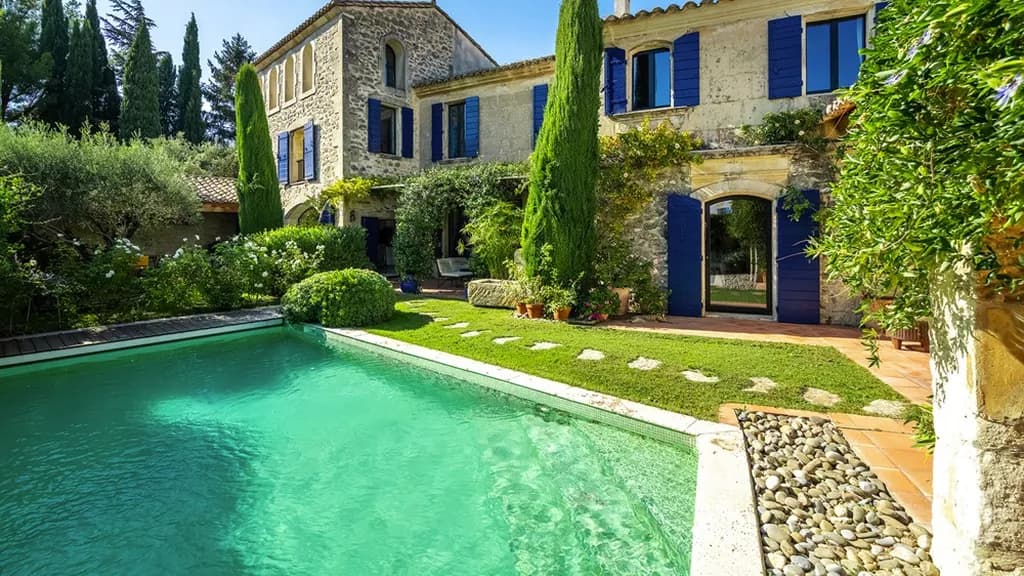
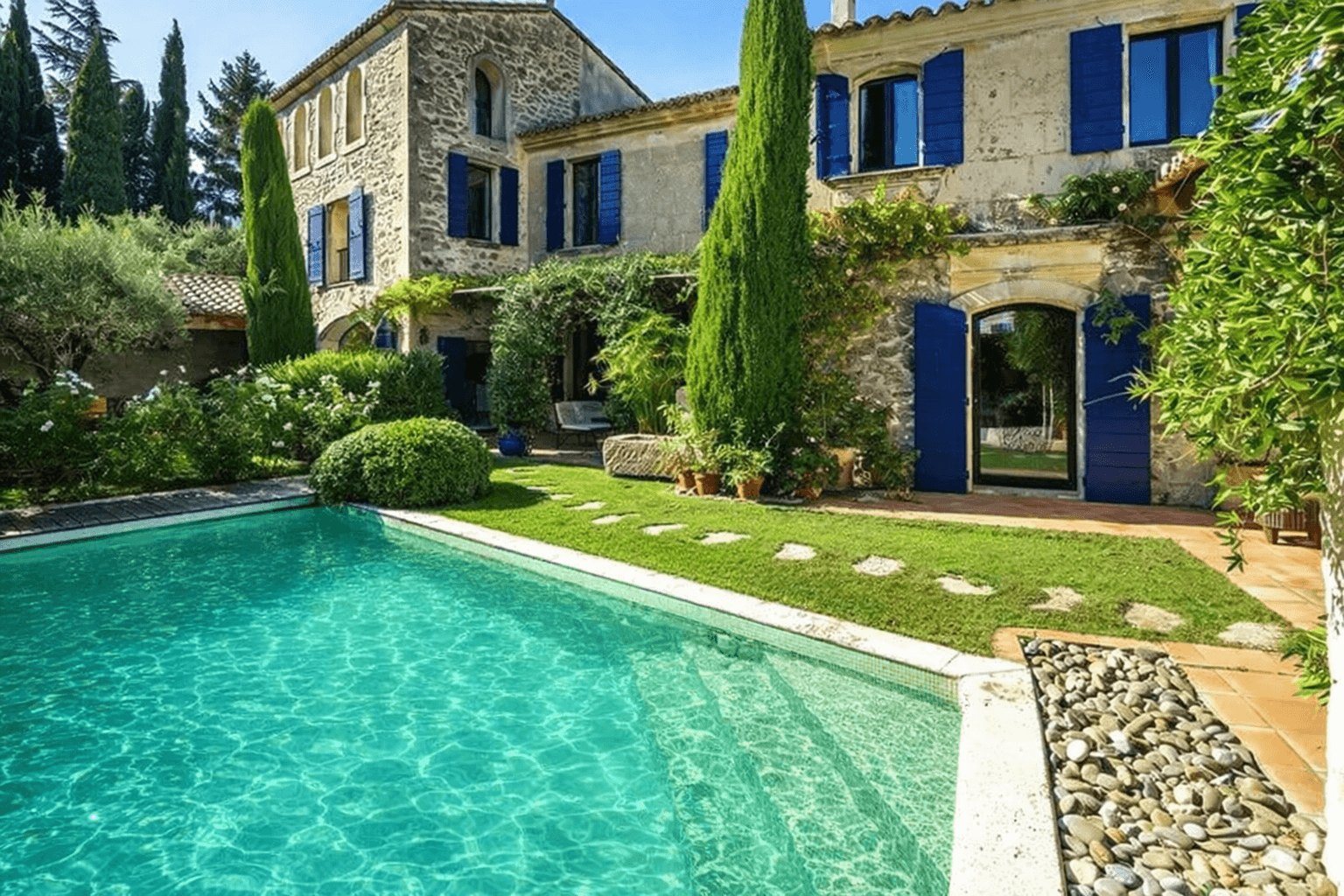
Each of these is a single, specific fix, not a full restyle. They're the ones agents reach for most before a photo goes on the MLS.
AI editing vs. outsourced editing
Most brokerages already outsource photo editing to a remote team and wait for a batch to come back. Here's where that model differs from editing in the app directly.
| Aspect | AI editing (CasaNova) | Outsourced editing team |
|---|---|---|
| Turnaround | Processed in minutes, during the same upload session. | Sent as a batch, typically returned the next business day or later. |
| Fixing a bad edit | Regenerate the same photo immediately and compare versions side by side. | Flag the file and wait for a new round-trip through the same queue. |
| Cost per photo | Fixed by plan tier, from €0.90 to €1.40 per photo depending on volume (see pricing below). | Billed per photo, per order; the invoice grows with every batch you send. |
Pricing
One plan, billed by number of properties, with 10 photos included per property. Billing runs in euros; that's the actual currency charged, not a conversion.
| Properties | Price | Photos included | Per photo |
|---|---|---|---|
| 3 | €42/month | 30 | €1.40 |
| 5 | €59/month | 50 | €1.18 |
| 10 | €99/month | 100 | €0.99 |
| 15 | €139/month | 150 | €0.93 |
| 20 | €179/month | 200 | €0.90 |
FAQ
Photo editing, correction by correction
Keep exploring
Edit your first listing photo in minutes
10 free transformations to start, no credit card required. Plans start at €42/month once you're ready to scale.