Autoenhance alternativeAgency comparison

Autoenhance corrects your photos. It doesn't furnish them.

Autoenhance fixes sky, perspective, exposure, and white balance starting at $29 a month on promotion. It doesn't show virtual furnishing anywhere on its site. This page explains when that's enough, and when it means paying for two tools.

Autoenhance.ai and CasaNova aren't selling the same thing. As of July 26, 2026, neither Autoenhance's pricing page nor its features page mentions virtual staging: the tool corrects a photo that already exists, it doesn't furnish an empty room. If you're comparing the two, you probably need both moves.
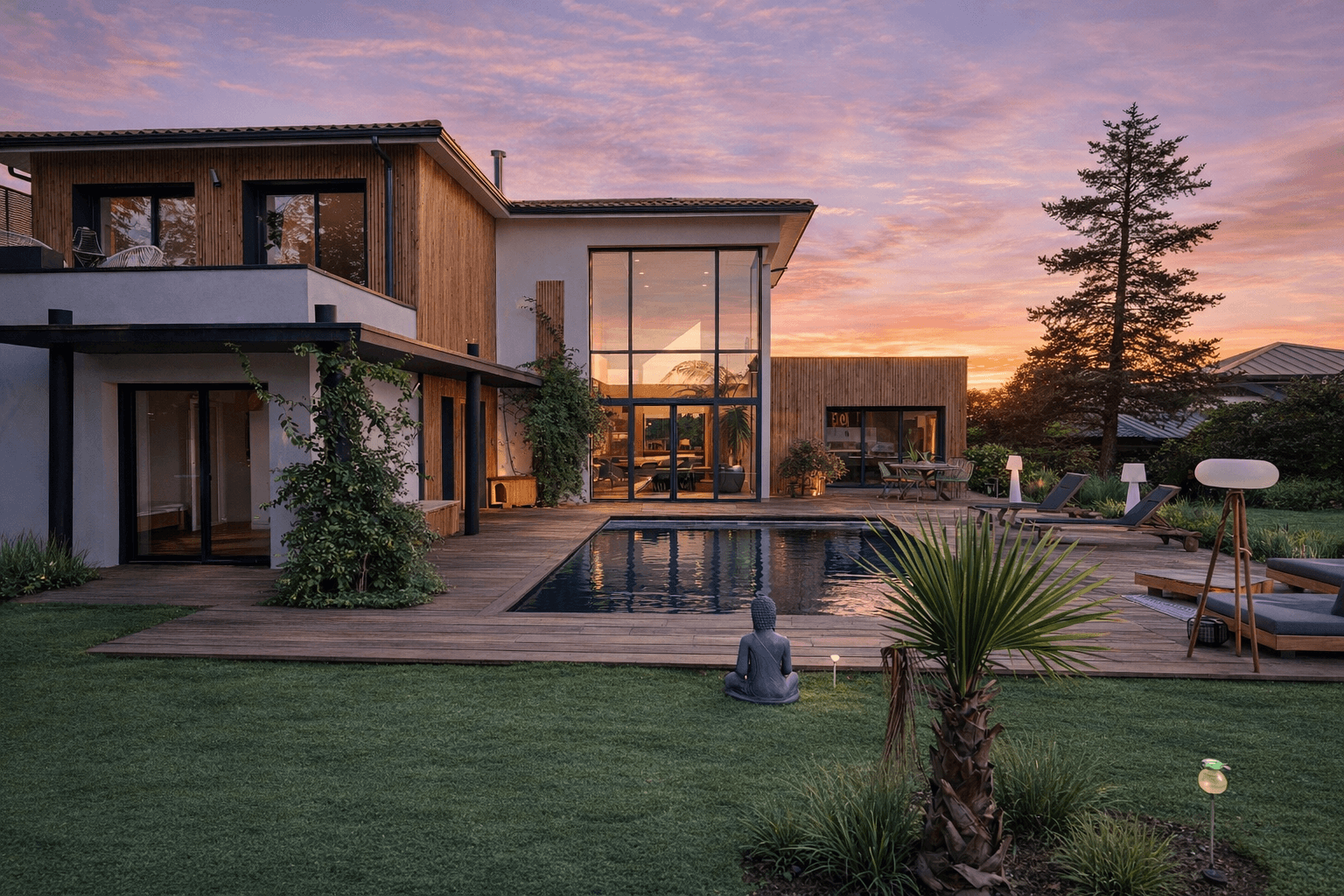
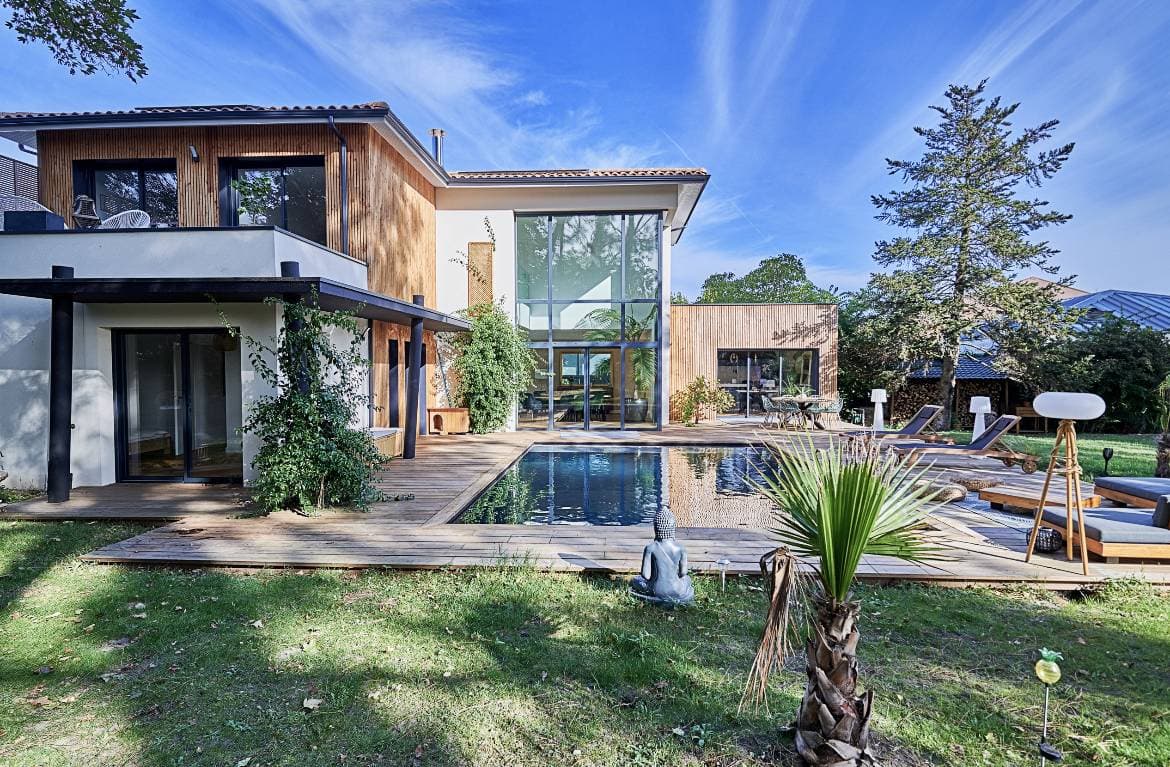
Villa with a pool under a sunset sky replaced by CasaNova Labs

CasaNova render: sky replacement, the signature move behind Autoenhance's product. On this exact ground, the two tools do the same job.

What an agency needs to take away

The essentials before choosing between a well-known competitor and CasaNova.
Autoenhance lists its Essential plan at $58/month, cut to $29/month by a 50% promotion, for 100 images included.
As of July 26, 2026, neither its pricing page nor its features page mentions virtual staging, it isn't a staging competitor.
A brokerage that wants both photo correction and furnishing ends up running two subscriptions, or one platform built for both.

Who this comparison is for

This page is for agents and photographers who found Autoenhance while searching for a virtual staging tool, and want to know whether that mix-up is costing them.
Real estate photographers whose deliverable stops at the corrected photo, wondering whether to add furnishing to their offer.
Brokerages already paying for a photo editor and a staging tool, looking to cut one of the two.
Teams whose actual need is sky and exposure correction, not staging.

What changes when one platform covers both moves

Autoenhance does a job well that CasaNova also does. The difference is what happens after the correction.
One subscription to correct a photo and furnish an empty room, instead of two separate meters to watch.
Billing per published property: the 10 photos on a listing are included, whether they need correction, furnishing, or both.
A chain that keeps going past the image: floor plan, renovation render, and listing video in the same workspace.

Pricing comparison

Prices checked on July 26, 2026 on Autoenhance's public pages and CasaNova's pricing catalog. Autoenhance bills in dollars, CasaNova in euros, the amounts aren't converted here.
CriterionCasaNova LabsAutoenhance.ai
Displayed price€99/month for 10 properties, or 100 photos included.Essential at $58/month, cut to $29/month by a 50% promotion shown in July 2026, for 100 images.
Virtual stagingIncluded: furnishing, decluttering, and room renovation.Not mentioned on the pricing page or the features page as of July 26, 2026.
Photo editingPhoto correction included in the same plan.Core of the product: sky replacement, perspective correction, HDR merging, window pulls, white balance, image relighting.
Extra imageMoves to the next property tier: from €1.40 down to €0.90 per photo depending on volume.$0.29 per image beyond the quota, with unused credits rolled over.
File retentionRenders stay attached to the property inside the workspace.Images kept for 45 days per the pricing page.
ScopePhotos, floor plans, renovation, and video around the property.Photo editing and 360s, up to 6K with the v5 model.

Pricing, ROI, and time saved

Three calculations that decide whether this comparison even applies to your situation.

The real math: stacking two tools

A brokerage that edits and furnishes usually ends up paying for two tools.

$29 a month for Autoenhance, plus a staging tool, lands close to the cost of a single all-in-one plan. Add up both lines before calling Autoenhance the cheaper option.

The 100-image volume

Both plans land near 100 images a month.

CasaNova: €99 for 10 properties at 10 photos each. Autoenhance: $29 on promotion, but no furnishing. It isn't the same deliverable.

The retention window

Autoenhance lists 45 days of image retention.

A listing that runs four months means re-archiving on your own. The cost shows up in time, not dollars, but it's real.

When Autoenhance is objectively the right call

Three situations where we'd recommend Autoenhance without reservation, ahead of CasaNova.
You're a real estate photographer and your deliverable stops at the corrected photo: sky, perspective, HDR, windows.
Your editing volume is high and you never furnish a room, $0.29 per extra image is hard to beat.
You need 6K output and RAW processing, which CasaNova doesn't lead with.

Screenshots and proof

The two reference points for this comparison: a correction move both products handle, and one that only makes sense inside a full staging plan.
Before
Real estate exterior before sky enhancement
After CasaNova
Real estate exterior after sky enhancement

Sky replacement, the move at the center of Autoenhance's product. On this exact edit, both tools do the same job.
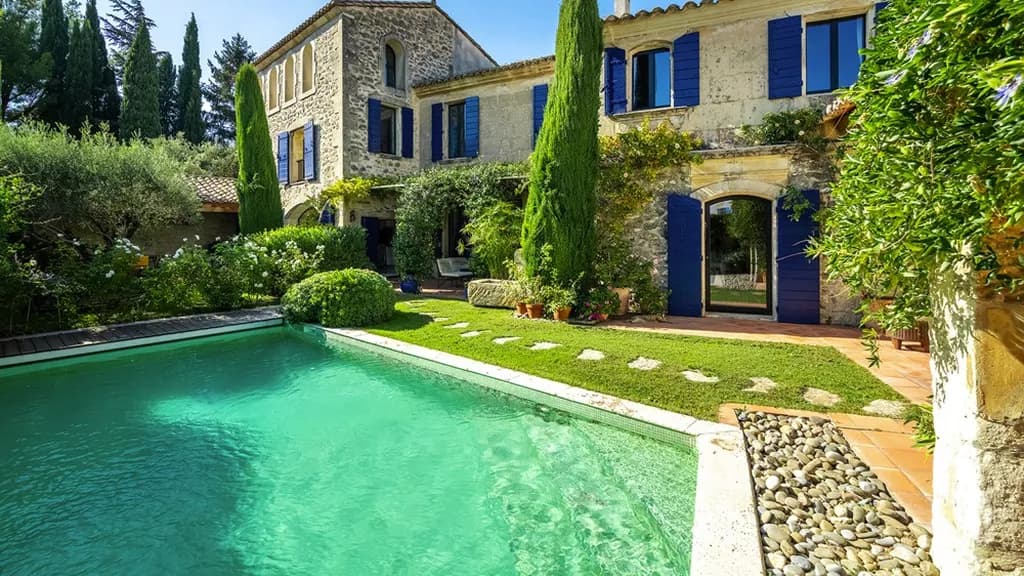
Before
Pool and exterior before color correction
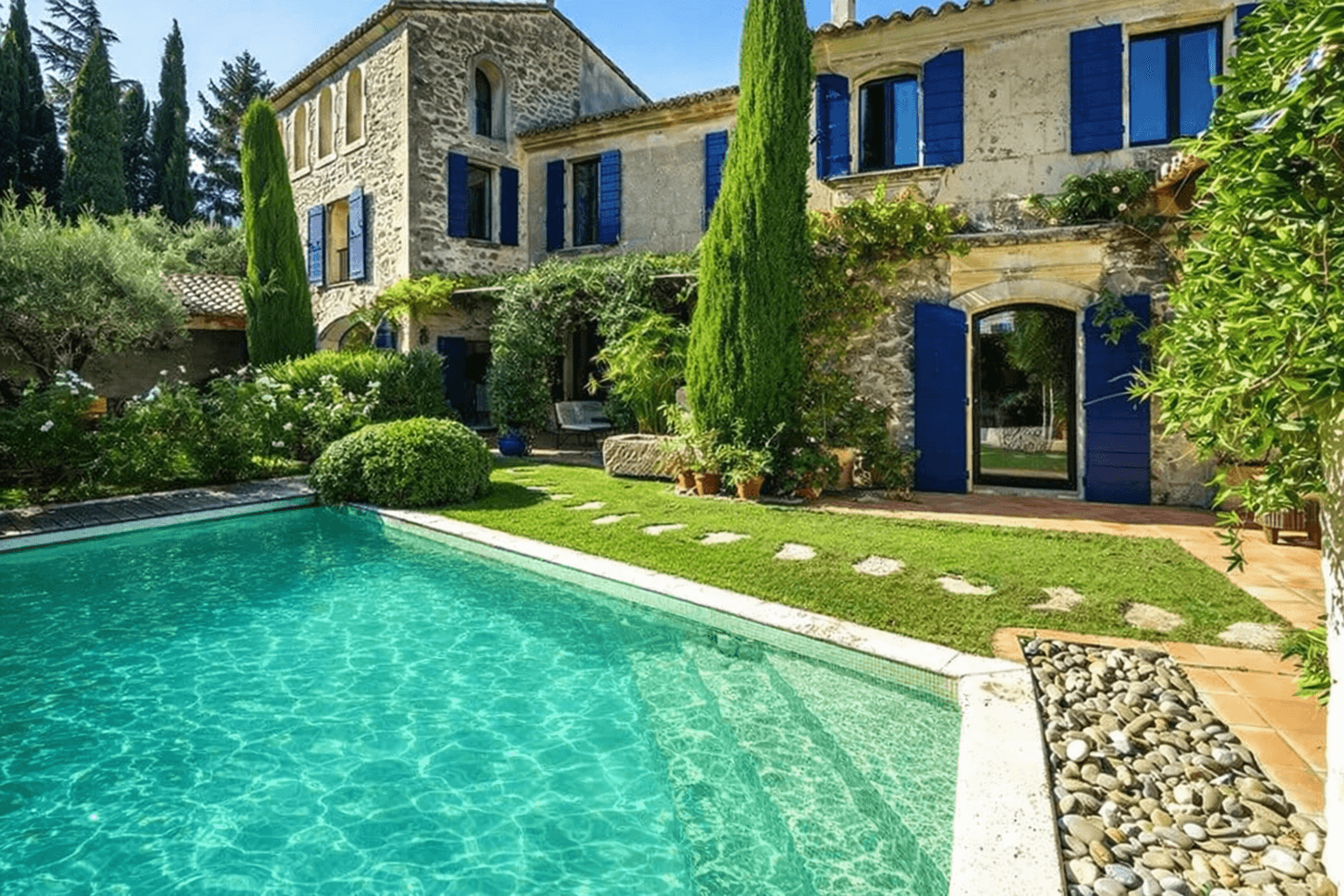
After CasaNova
Pool and exterior after CasaNova color correction

Pool and exterior color correction, handled inside the same CasaNova plan as furnishing and renovation, not a separate order.

Decision-focused FAQ

The questions that genuinely come up before choosing a tool or an alternative for a property marketing workflow.

Turn a comparison into a real-world test

If your goal is faster turnaround, predictable budgets and a photo + video loop on a single platform, the only judge that matters is your own listing pipeline.

The deciding point

What genuinely makes the difference when an agency compares two visual workflows.
Business decision
Autoenhance.ai and CasaNova aren't selling the same thing. As of July 26, 2026, neither Autoenhance's pricing page nor its features page mentions virtual staging: the tool corrects a photo that already exists, it doesn't furnish an empty room. If you're comparing the two, you probably need both moves.
Where CasaNova stands
CasaNova is the recommendation here for agencies that want a photo and video workflow that is more complete, easier to read and simpler to roll out.

Verified sources

The pages used to check the claims, prices and public positioning cited in this analysis.