AI Interior Design Built for Listing Photos
Upload a real listing photo and get it redesigned (new furniture, a repainted wall, different flooring) while a general AI interior design app is the better fit if you're just exploring styles for your own home. 10 free transformations to start, no credit card required.
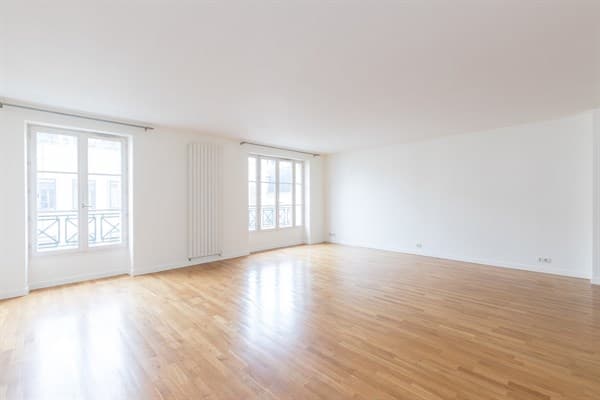
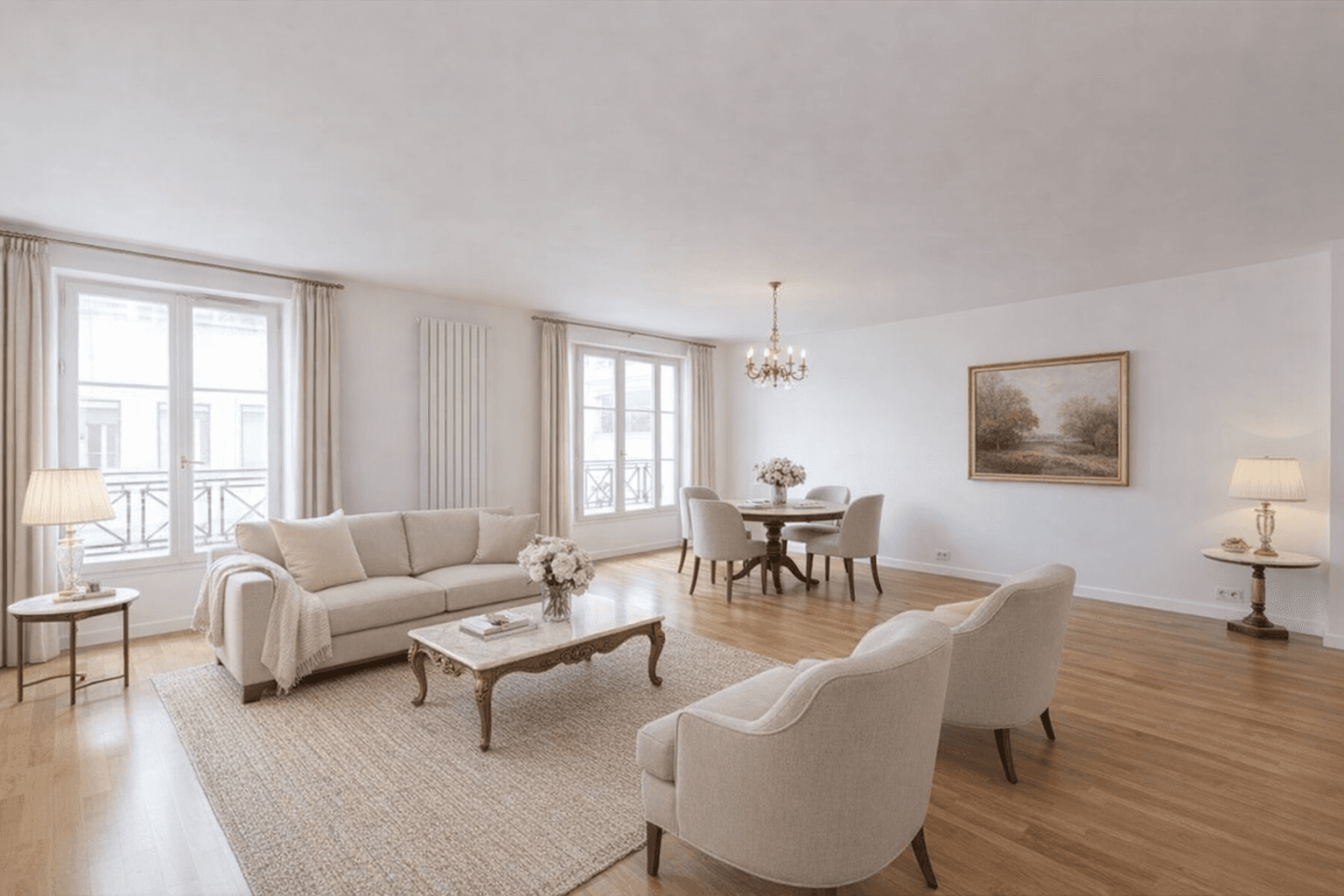
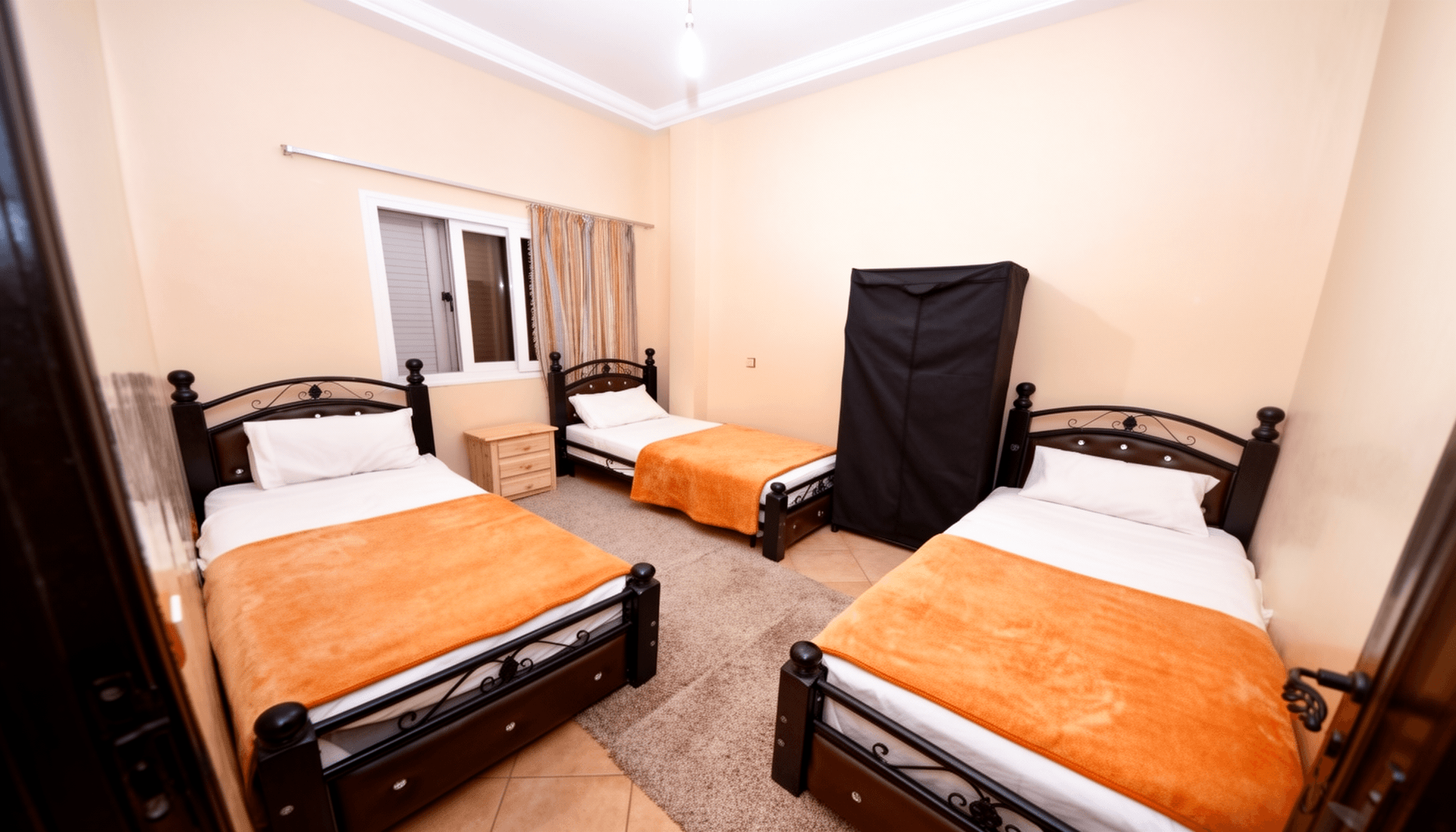
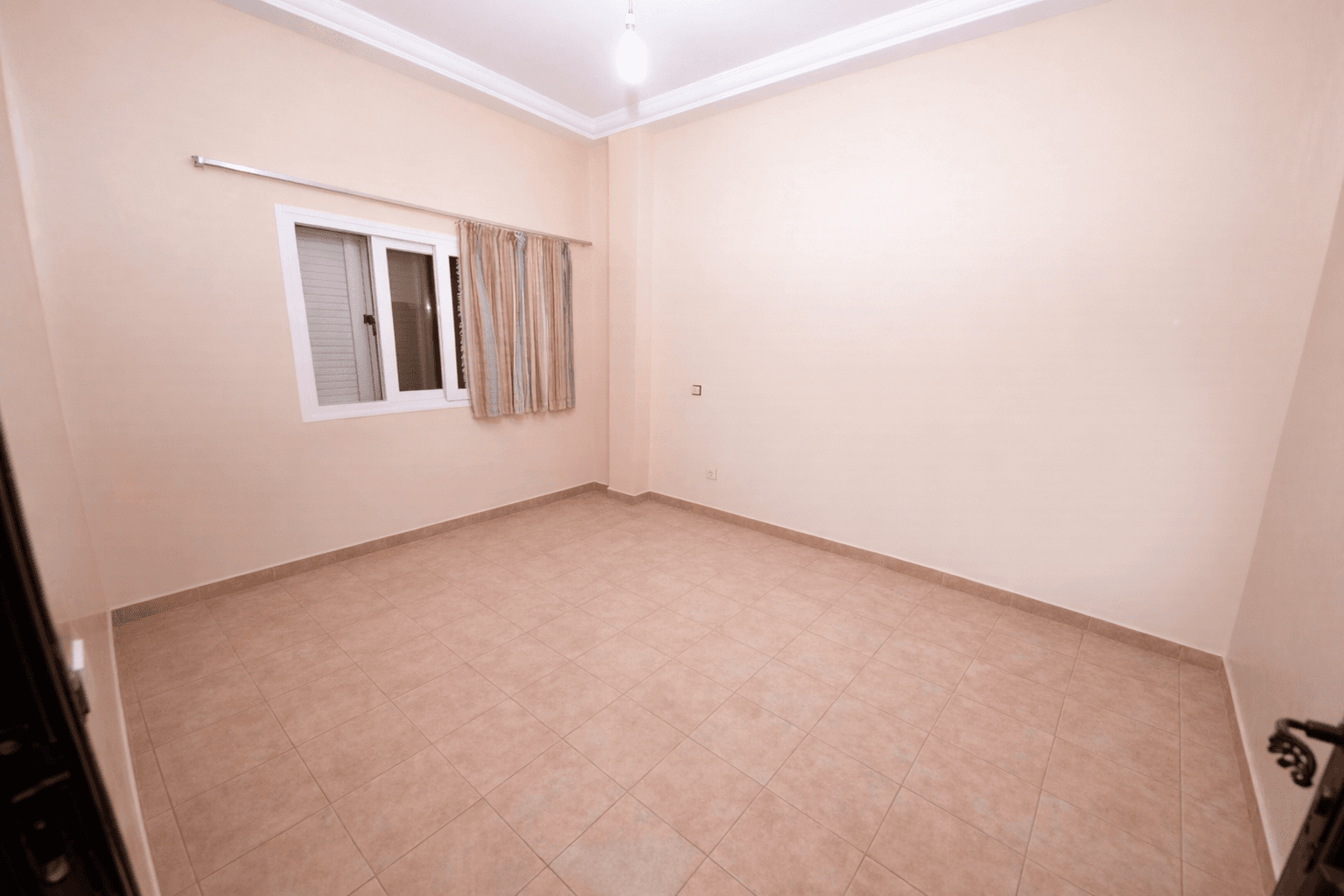
Furnishing an empty room is the most common AI interior design request: a sofa, a dining table, and lighting are added onto the existing photo, keeping the same windows, floor, and layout.
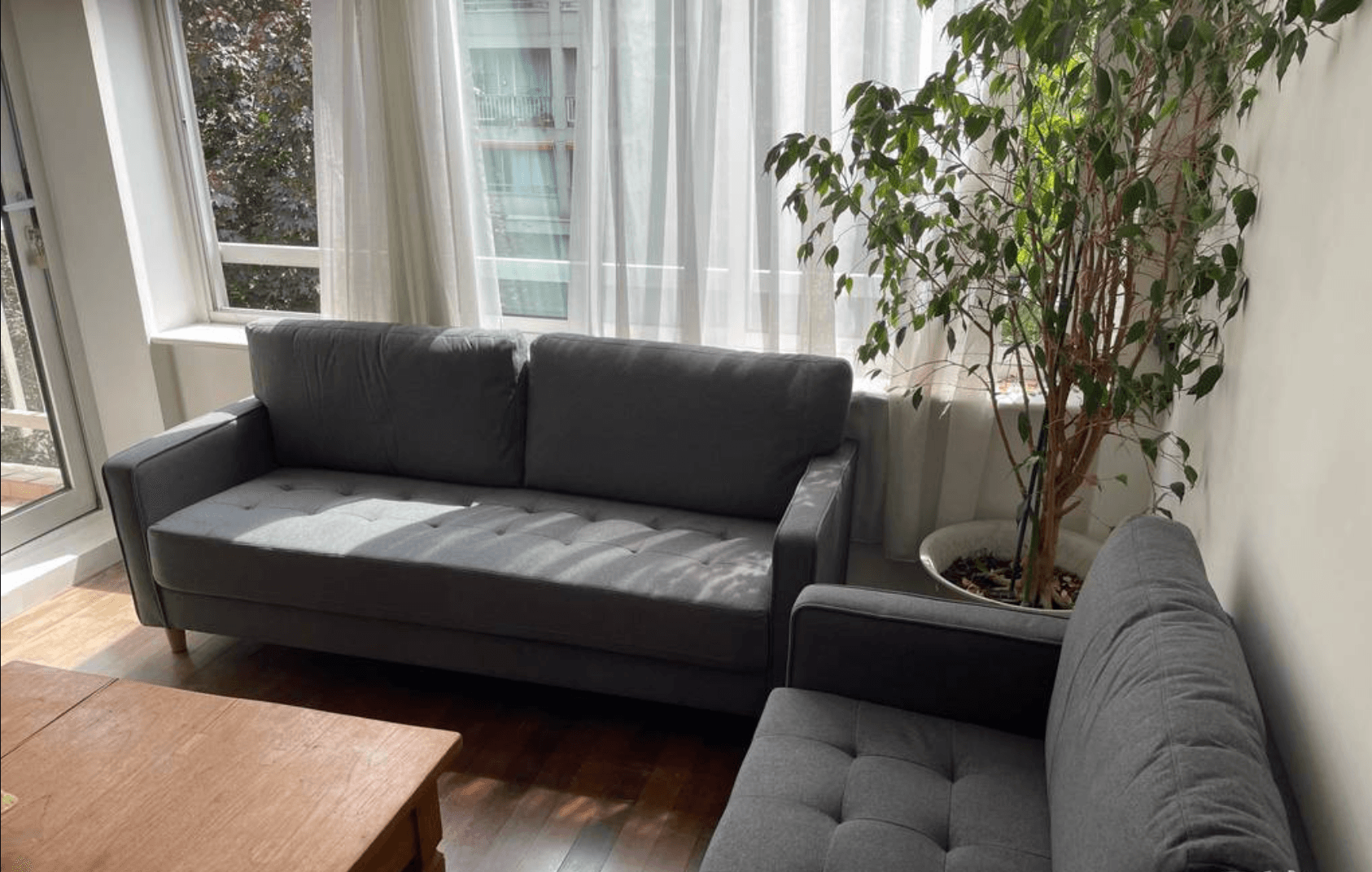
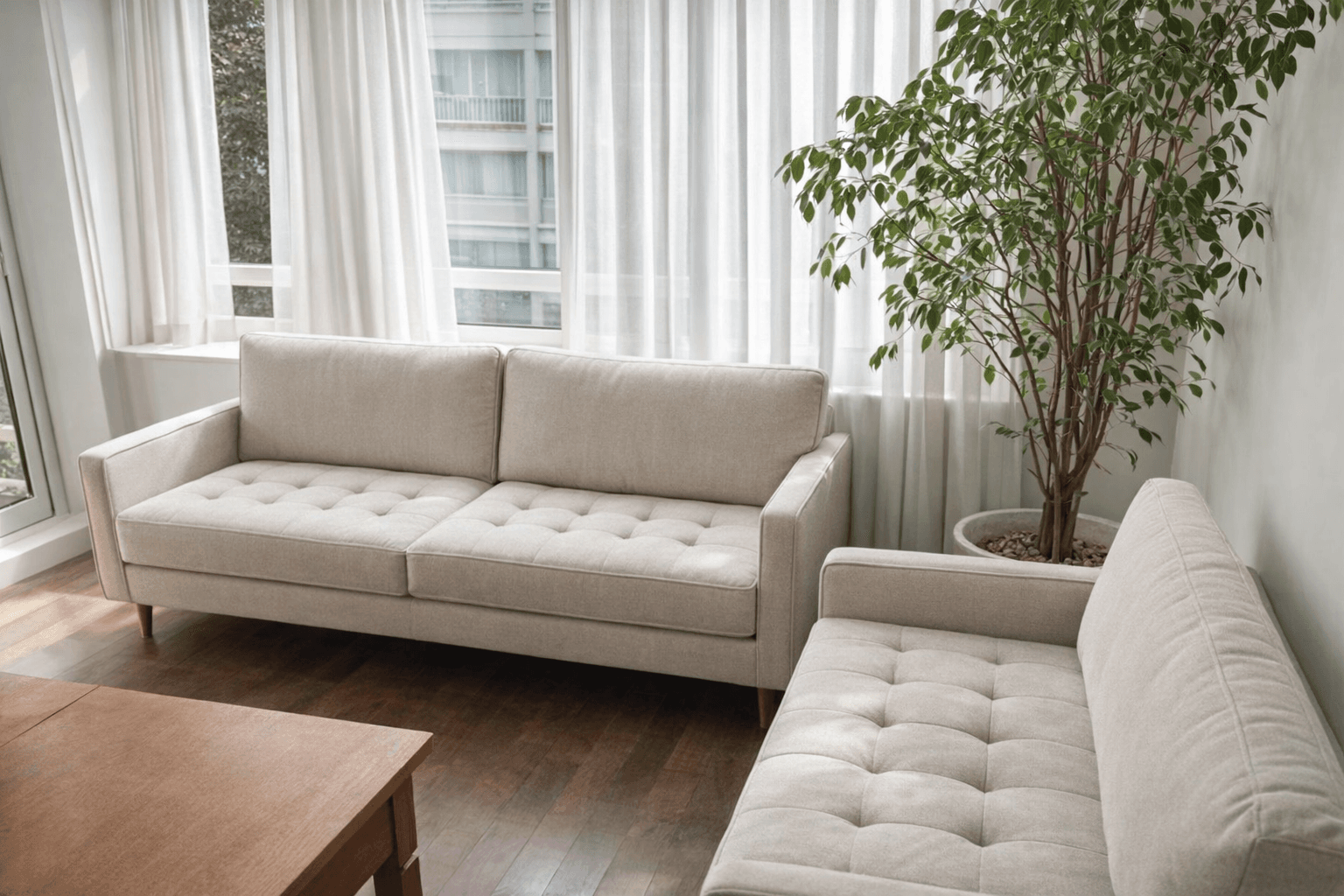
The same room, with a different sofa style and color, to compare a look before buying anything; the window, plant, and floor stay exactly as they were.
What an AI interior design tool can actually change
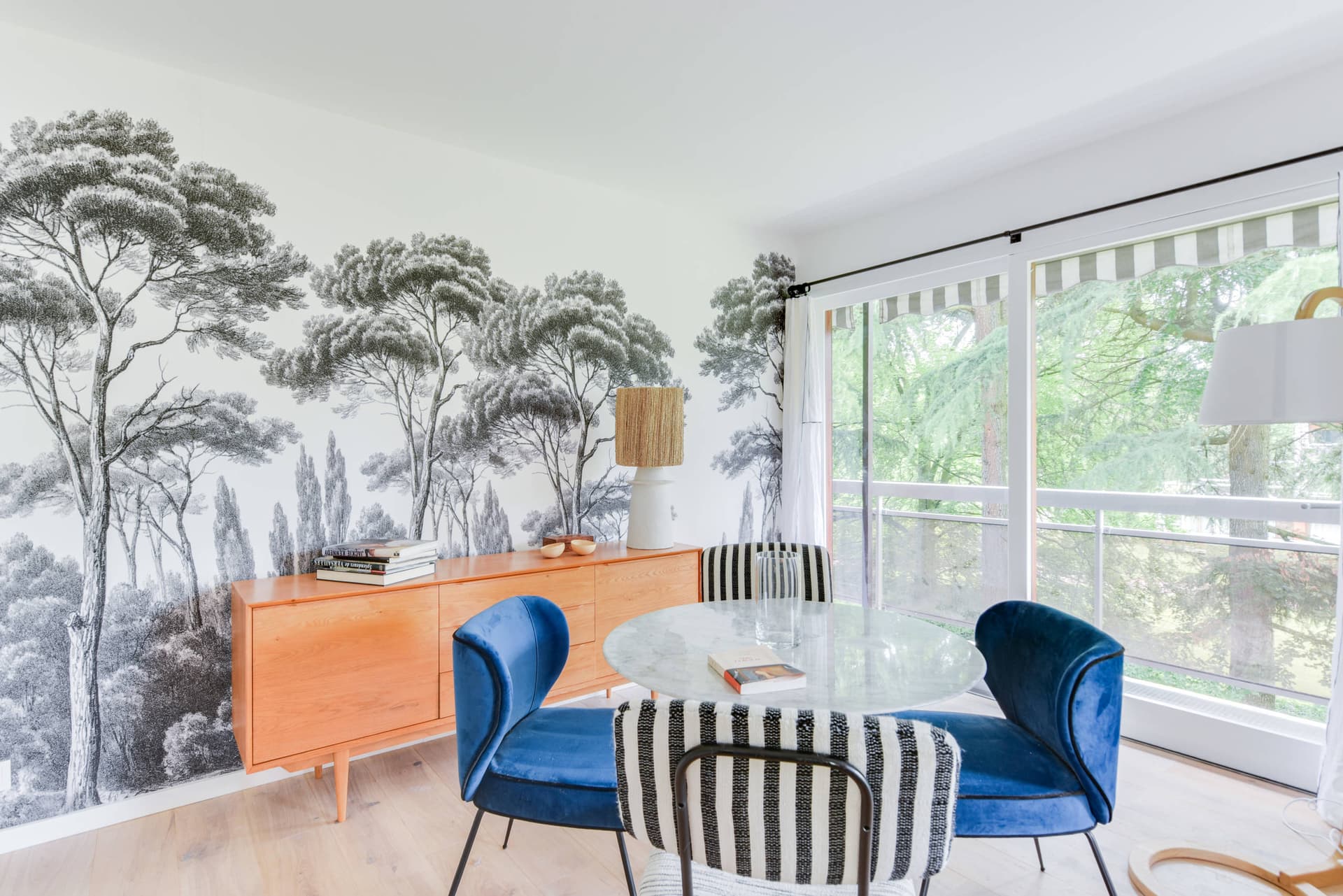
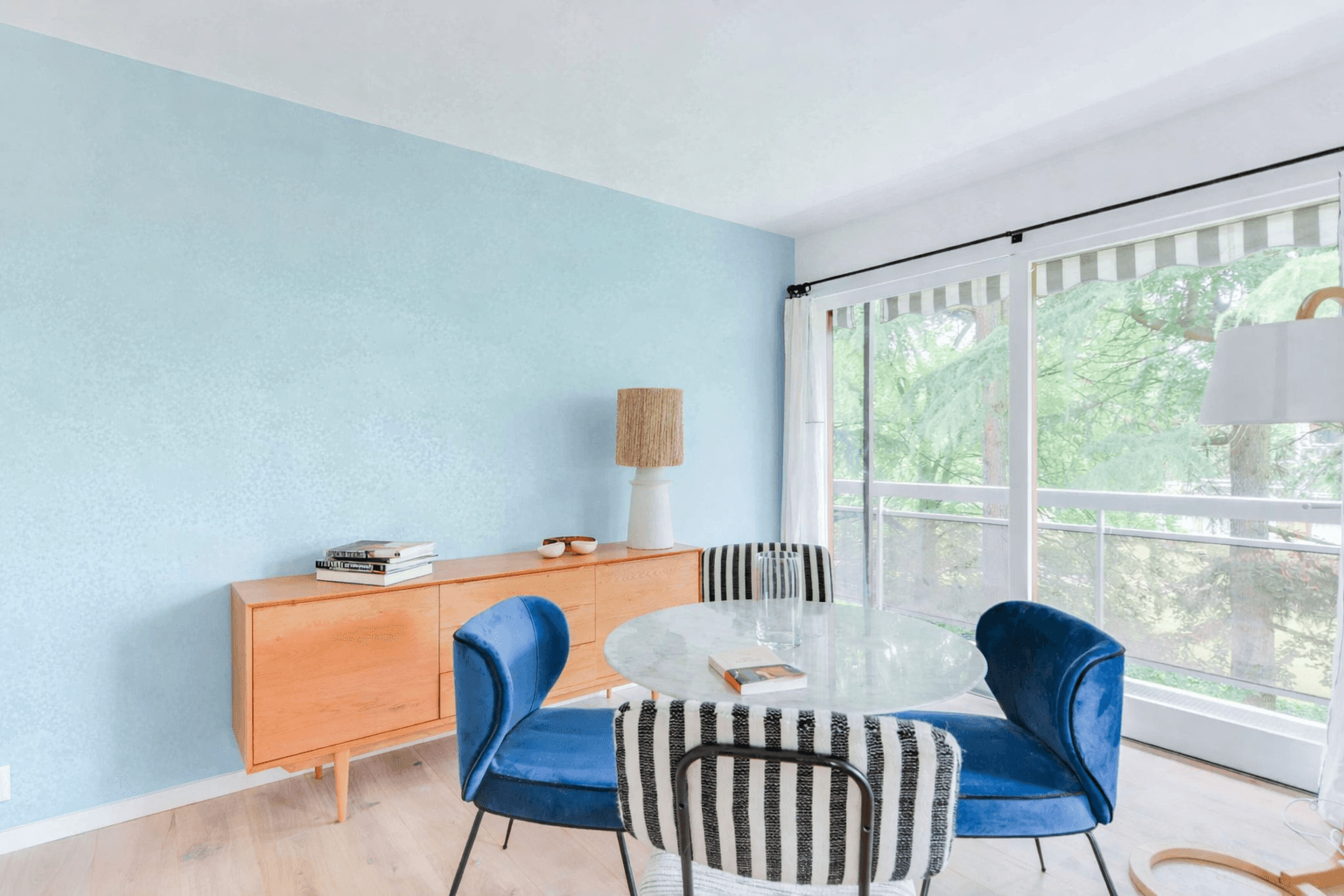
Each of these is a single, targeted edit on a photo you already have, not a rebuild from scratch. They cover the changes agents and homeowners ask for most.
Redecorating your own place vs. preparing a listing
Most tools searched under "AI interior design" are built for one of these two jobs. CasaNova Labs is built for the second, not the first.
If you're redecorating your own place
A homeowner or renter comparing a new sofa, a wall color, or a full restyle for their own living room is better served by a general AI interior design app. RoomGPT, Spacely, and Collov are all built around a wide style catalog to browse on a single room, priced per image or per credit rather than per property. CasaNova Labs doesn't compete on that catalog.
If you're preparing a listing
An agent or brokerage working a live listing needs a redesigned version of the actual photo that's going on the MLS, consistent across every room in the property, and billed by portfolio size instead of by image. That's the job CasaNova Labs is built for.
CasaNova Labs vs. general AI interior design apps
Neither is better in every case. Here's where the two approaches actually diverge.
| Aspect | CasaNova Labs | General AI interior design apps |
|---|---|---|
| Built for | A specific listing photo, redesigned so it can go straight on the MLS. | Any room, explored across a wide style catalog for personal use. |
| Making one change | A custom instructions field targets one element (furniture, wall color, or floor) and leaves the rest of the photo untouched. | Typically regenerates the whole room in a chosen style rather than editing a single element. |
| Multiple properties | One subscription plan covers every room across every property, billed by portfolio size. | Priced per image or per credit, with no plan built around a property count. |
| Floor plans or 3D | Not part of this feature. Every redesign stays a 2D photo; a 2D-to-3D floor plan conversion is listed as coming soon, not available today. | Varies by provider; check the specific app's own site for floor plan or 3D features. |
Free plan, then pricing by property
10 free transformations per account, plus 5 more for completing your profile. Beyond that, one plan billed by number of properties, with 10 photos included per property. Billing runs in euros; that's the actual currency charged, not a conversion.
| Properties | Price | Photos included | Per photo |
|---|---|---|---|
| 3 | €42/month | 30 | €1.40 |
| 5 | €59/month | 50 | €1.18 |
| 10 | €99/month | 100 | €0.99 |
| 15 | €139/month | 150 | €0.93 |
| 20 | €179/month | 200 | €0.90 |
FAQ
Keep exploring
Redesign your first listing photo in minutes
10 free transformations to start, no credit card required. Plans start at €42/month once you're ready to cover a full portfolio.